Notes that are yours, and only yours.
A cosy, private place for your recipes, spells and everything in between. Your notes stay in your own cloud storage, and only you can read them.
- Private
- Secure
- Full of features
- Built for you


Your notes stay with you.
Note a day keeps your notes in your own Google Drive, Dropbox or other cloud storage. There is no Note a day server in the middle.
- Nothing is locked in. Take your notes anywhere, whenever you like.
- Notes are ordinary files, so other apps can open them too.
- Write offline. Your notes sync when you're back online.


Locked before it leaves your device.
Your notes are locked on your device before they're saved to the cloud. Not even your storage provider can read them.
- Only your password opens your notes.
- Nobody at Note a day can read them, because we never have them.
- Log out and your notes are cleared from the device.


Everything you'd hope for, nothing in the way.
- Sync
Works offline, syncs everywhere.
Write on the train, sync at home. If two devices change the same note, both changes are kept.
- Writing
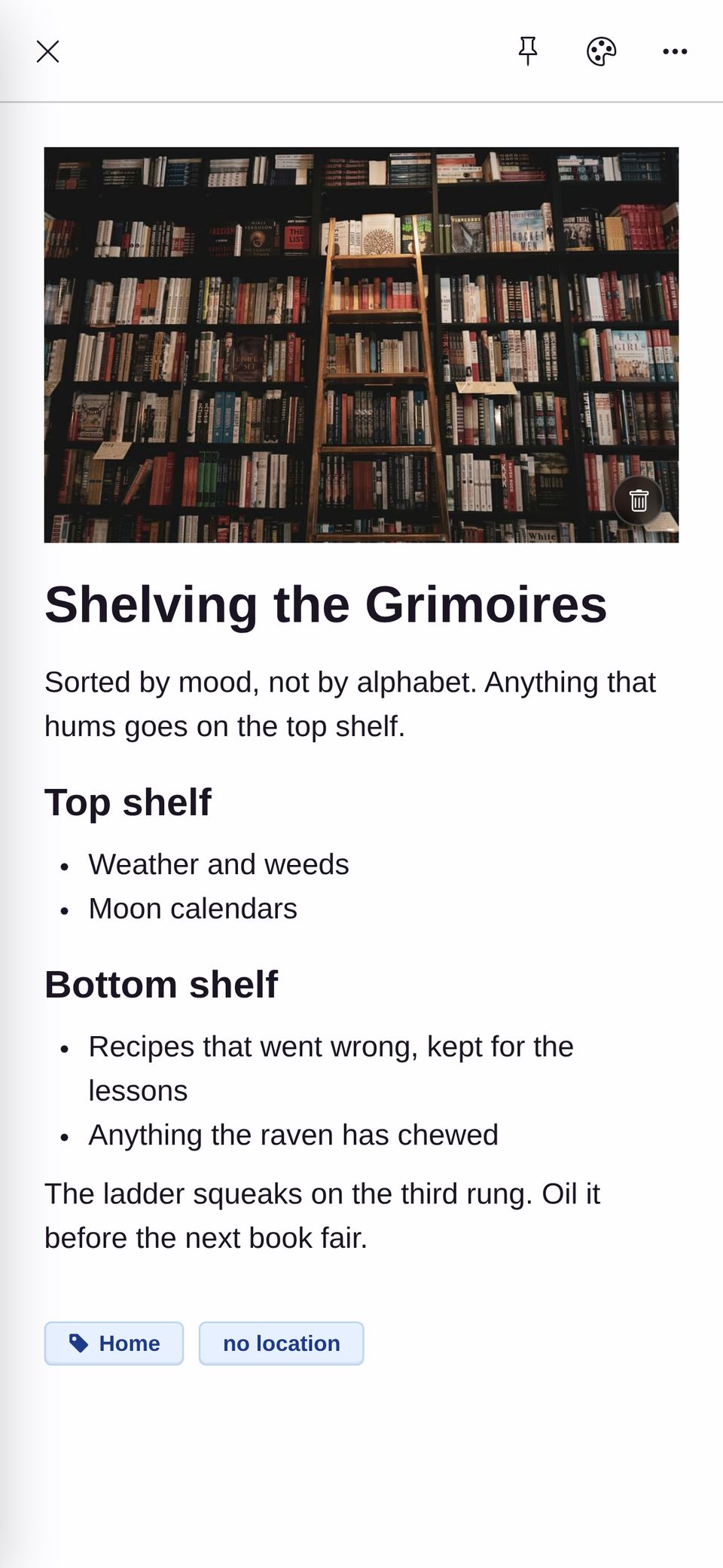
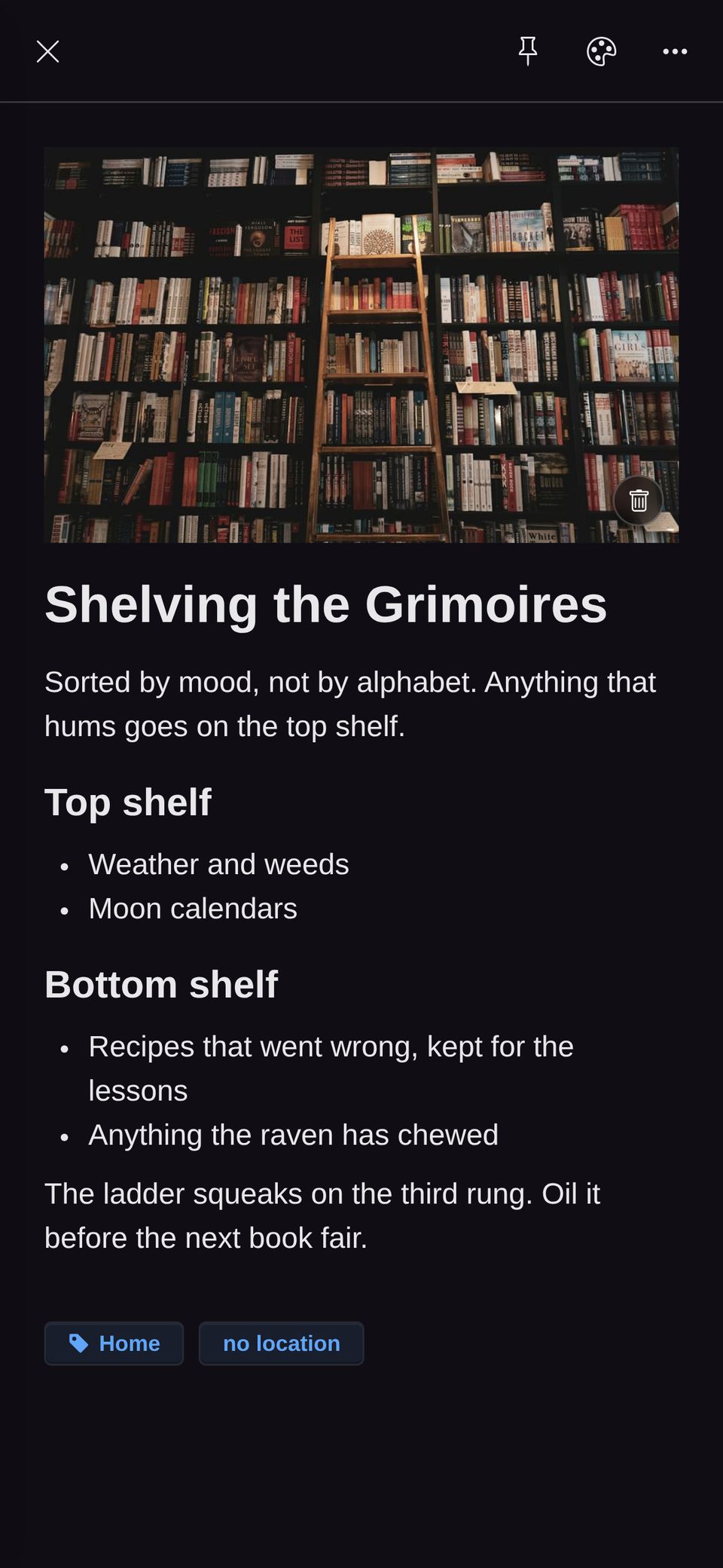
Writing that feels natural.
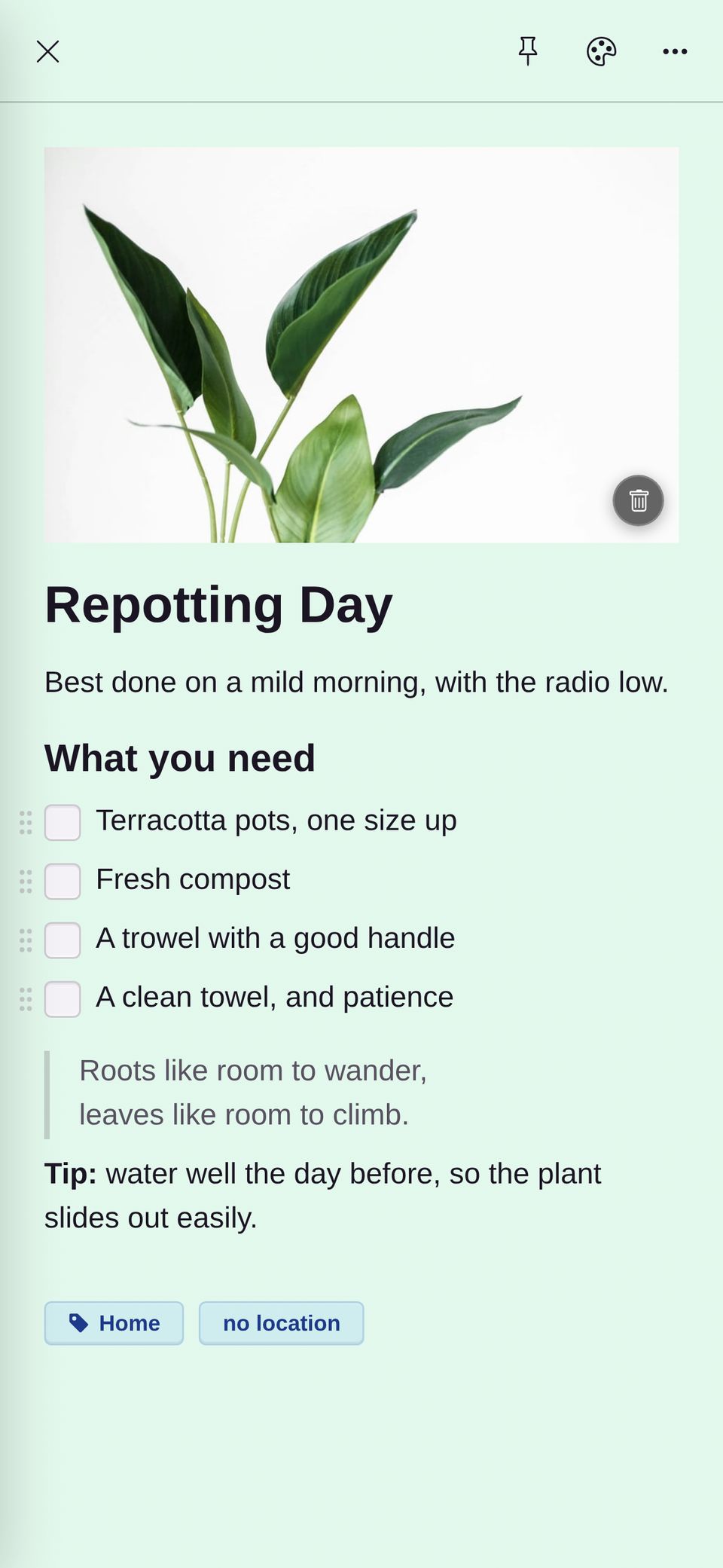
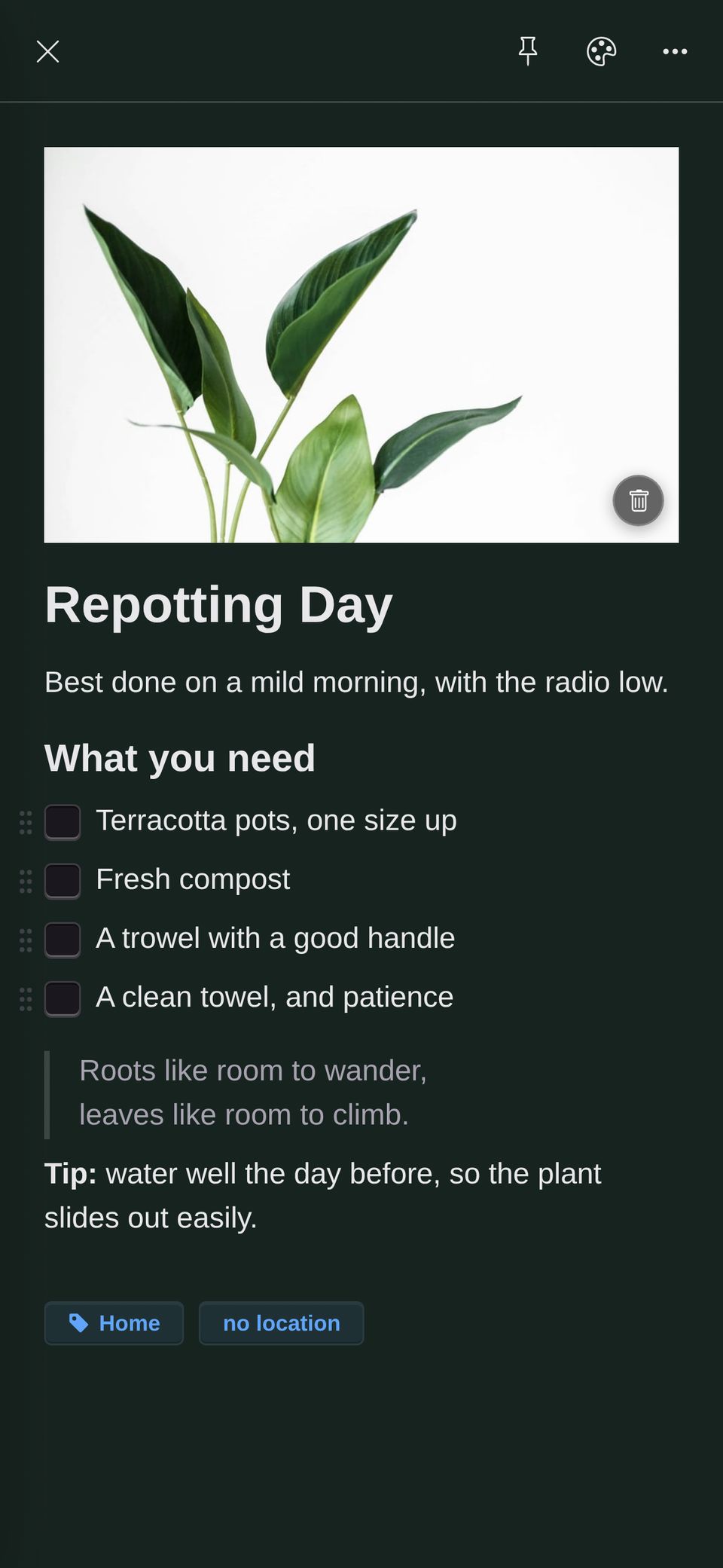
Ticked items tidy themselves away. Add headings and lists as you type. Go full screen when you want quiet.
- Drawing
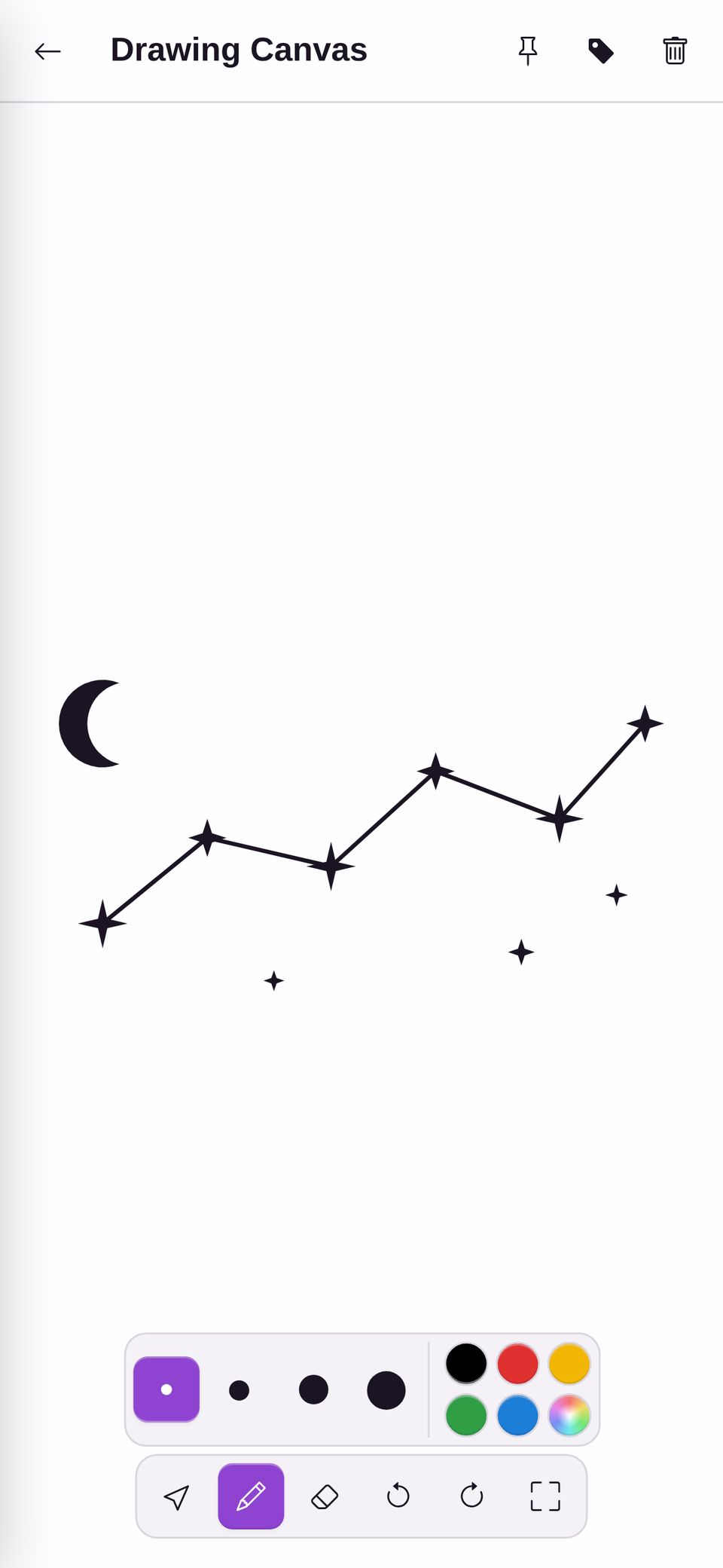
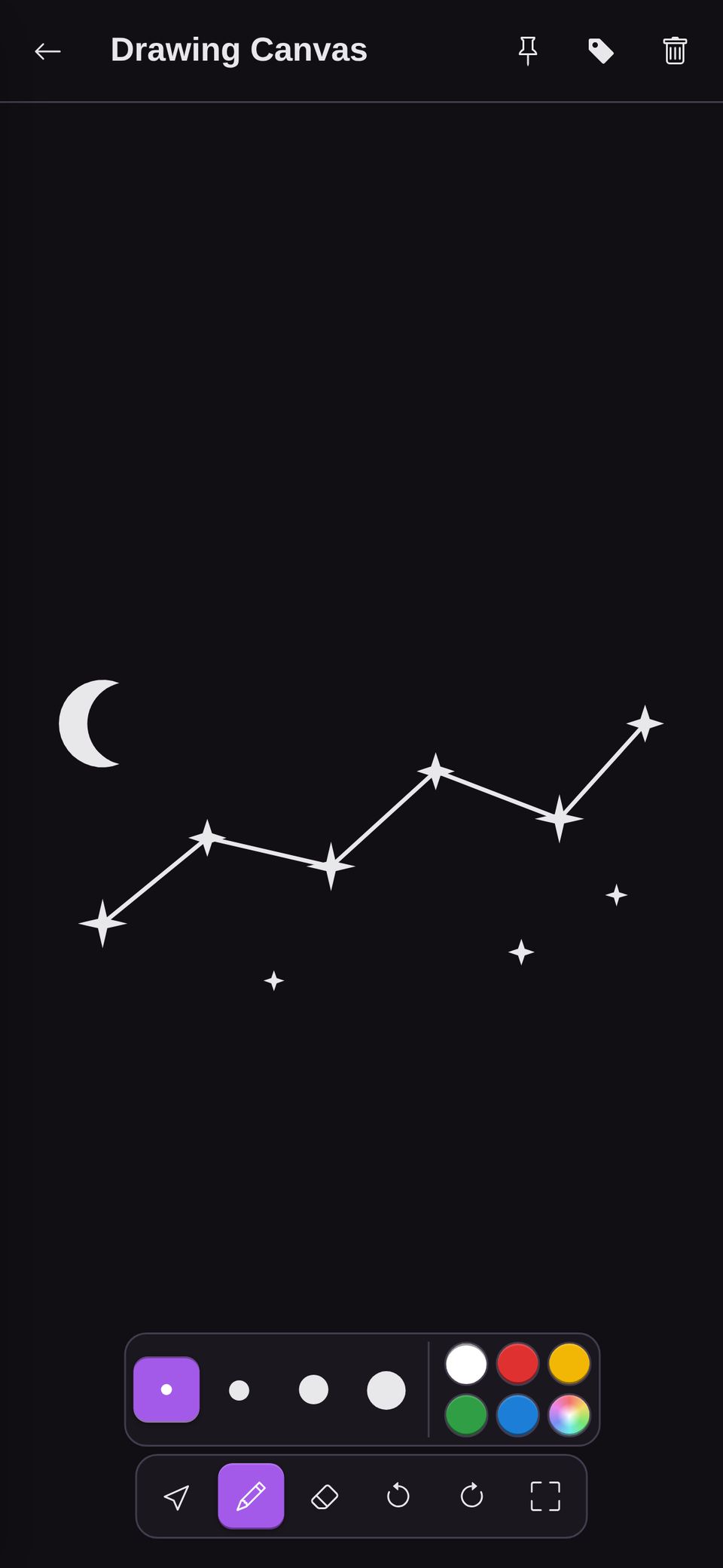
Draw with a finger or a stylus.
Sketch a constellation or a floor plan. Your drawings match your theme, light or dark.
- Organising
Find things when you need them.
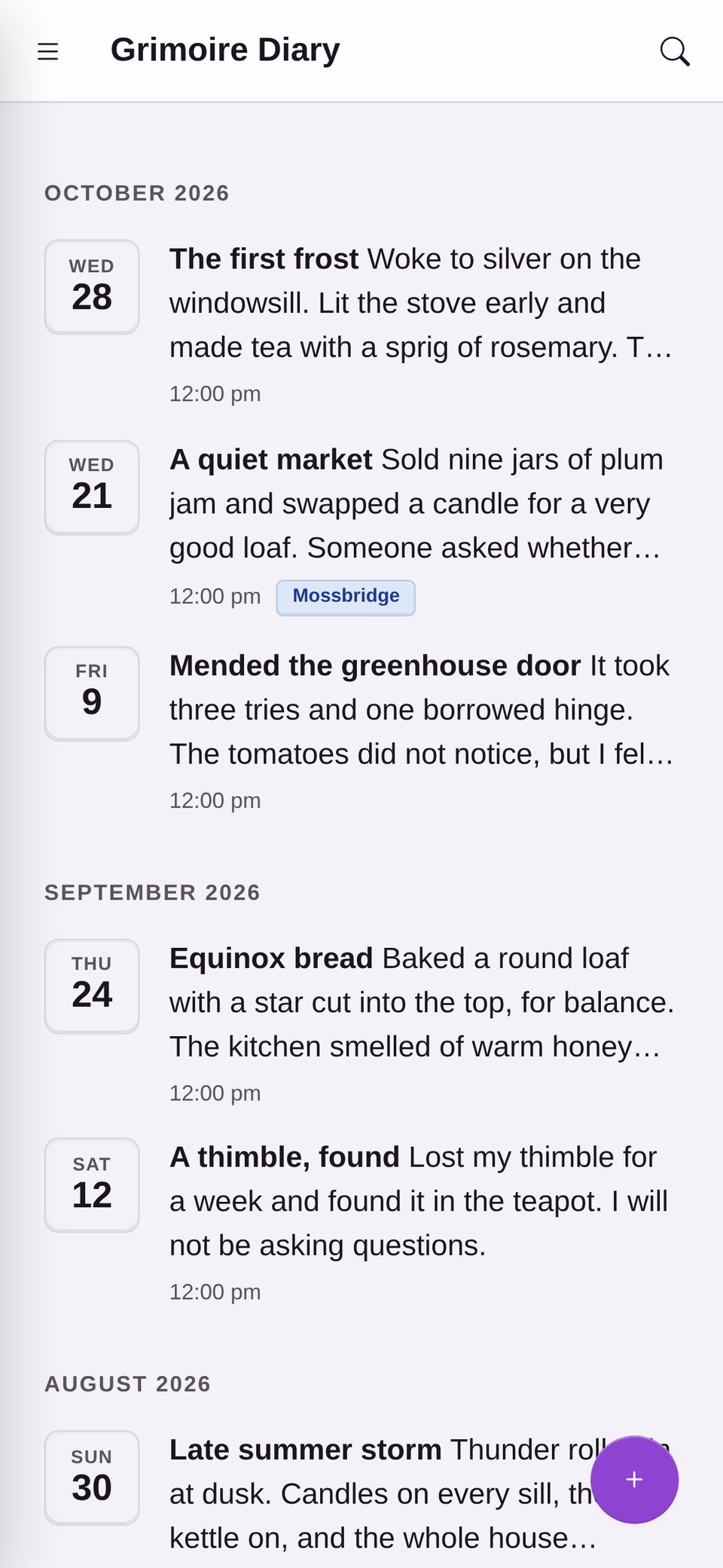
Group notes with labels and icons. Pin favourites. Turn a label into a journal that groups entries by month.
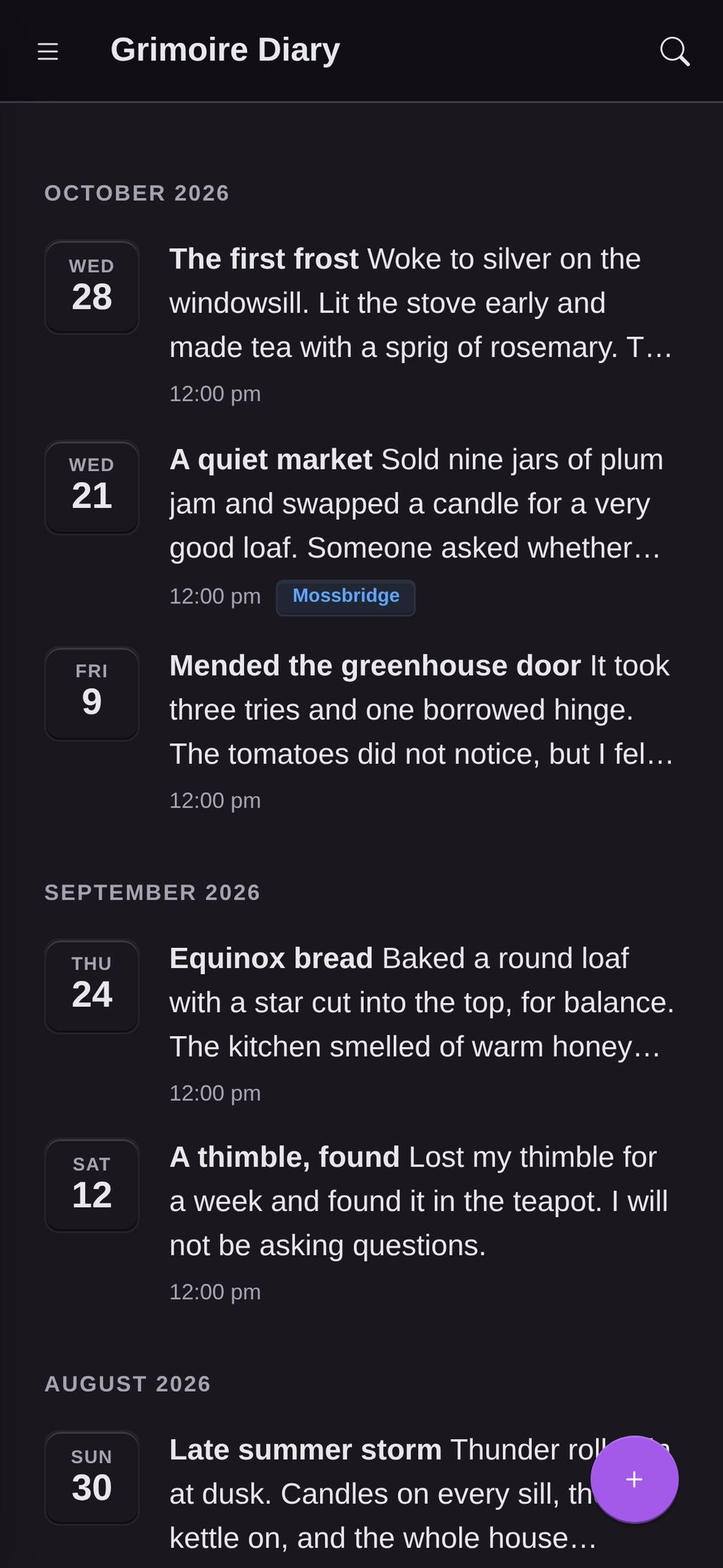


Make it look and feel like yours.
Pick the colours, the icons and the pace. Your notes shouldn't look like everyone else's.


Come and go freely.
Bring your notes in from where they are now. Take any note out as an ordinary file whenever you like. Drawings are kept as SVG files, so other apps can open them too.
Bring in
- Google Keep
- Day One
- Markdown
Take out
- Markdown
- HTML
- PDF
- Word
- SVG drawings
Good questions.
Where are my notes kept?
On your device, and in your own Google Drive, Dropbox or other cloud storage. They are locked with your password before they are uploaded.
What if two devices change the same note?
Changes made in different places are merged. Ticked items stay ticked. If both devices rewrote the same lines, you see both versions and choose what to keep. Nothing is thrown away.
Does it work without a connection?
Yes. Notes are saved on your device first, so you can read and write offline. They sync when you are back online.
What if I forget my password?
Use the recovery key you saved when you signed up. There is no Note a day team to reset it for you, so keep the key somewhere safe.
Can I leave whenever I want?
Yes. Your notes are ordinary files, and you can export any note as Markdown, HTML, PDF or Word.
Ready for a cosy corner of your own?
Start writing in a minute. Your notes stay yours.